
Party rental software: connect the booking and the follow-up
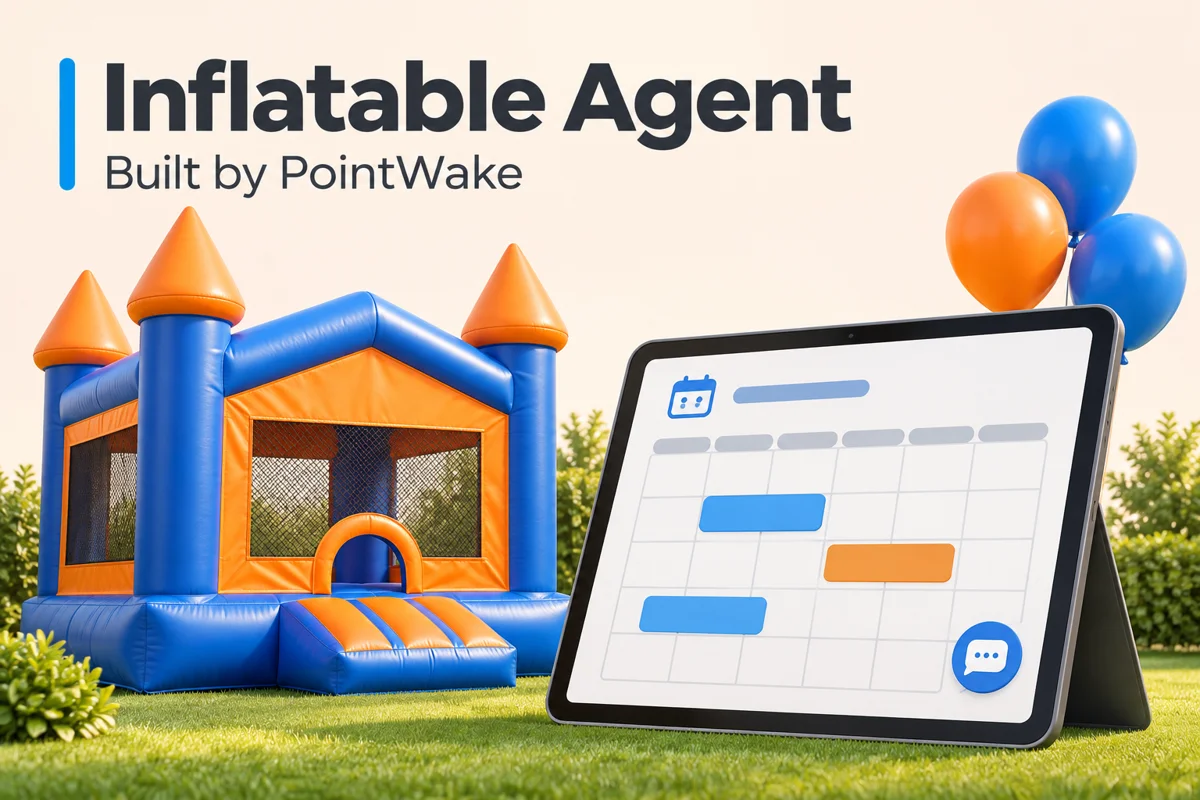
A party rental booking is not finished when someone chooses a date. The customer may still need to select equipment, understand delivery charges, pay a deposit, receive setup instructions, and reach a person when plans change.
Inflatable Agent, a product built by PointWake, brings rental-focused booking and communication tools into one workflow. The important question is not how many features a system lists. It is whether your team and customers can move clearly from inquiry to the next appropriate step.
By the PointWake Team
Published Nov 6, 2026 · 4 min read
1. Begin with accurate availability
Bounce house and inflatable rental software needs to reflect what the business can actually provide. The Inflatable Agent website describes online availability by date and inventory quantity, plus multi-item bookings and add-ons.
Before launch, review item names, quantities, rental rules, and the way your team handles unavailable equipment. Test a realistic booking with multiple items, not only the simplest single-item example.
Avoid promising that software alone prevents every scheduling conflict. Your operating rules, configuration, maintenance process, and staff use all affect the outcome.
2. Make checkout match the rental policy
The product supports deposits and partial payments through Stripe, along with rental-specific settings such as delivery and setup fees. Those capabilities still need to reflect the company's approved policies.
Ask whether the customer can understand what is due, what happens next, and whom to contact with a question. Check the customer-facing wording against the actual policy before automating payment reminders.
Do not add unsupported promises about refunds, cancellation rights, weather policies, or service areas. Those details differ by business and should come from the rental company's approved terms.
3. Keep the conversation attached to the customer
An inquiry can arrive through a call, a website form, text, or another supported channel. Inflatable Agent describes CRM, pipeline, and shared-conversation features designed to connect those interactions to follow-up.
A useful CRM workflow should make the next step visible. Is this an unanswered question, an incomplete quote, a deposit awaiting action, or a confirmed booking? Give each stage a clear meaning and a responsible person.
The goal is a process the team can maintain. More pipeline stages do not automatically create more clarity.
4. Build reminders around the customer journey
The product describes confirmations, preparation messages, day-before reminders, delivery updates, review requests, quote follow-up, and rebooking reminders. Availability and setup depend on the plan and configuration.
Choose messages that answer a real question at the right point. A preparation message should use the rental company's actual instructions. A delivery message should not imply a truck is on its way unless the workflow has a reliable basis for sending it.
Before enabling a sequence, test timing, duplicate-message behavior, recipient details, and how staff pause or change the process. Use the appropriate consent and messaging controls for the channels involved.
5. Give AI an approved knowledge base and a human handoff
AI voice agents and chat tools can support routine communication when the information is accurate and the response boundaries are clear. Inflatable Agent offers supported AI communication and missed-call text-back features, with setup assistance varying by plan.
Start with approved information about equipment, booking steps, service areas, and policies. Then test questions the system should not answer on its own: an unusual setup request, a disputed charge, a safety concern, or a policy exception.
A useful handoff explains how a person takes over. Do not treat “AI enabled” as proof that every question will be handled correctly or every call will become a booking.
A practical pre-launch checklist
- Confirm item availability and quantities.
- Review delivery, setup, deposit, and cancellation wording.
- Test a multi-item booking and the payment steps without creating unintended live transactions.
- Confirm who owns each pipeline stage.
- Review the timing and content of automated messages.
- Test AI answers against approved business information.
- Confirm the escalation route and plan-specific limits or usage charges.
This checklist is PointWake's implementation guidance, not a guarantee of results or a substitute for the rental company's operating and safety procedures.
Where Inflatable Agent fits
Inflatable Agent is designed for inflatable, bounce house, and party rental businesses. Its value proposition is the connection between booking details and customer follow-up, rather than a generic collection of unrelated tools.
Read the PointWake product overview, explore the live product demo, and check current pricing and setup details. If your business has a different workflow, talk with PointWake about a custom project.
Sources
Inflatable Agent product features and current plans, reviewed November 6, 2026. Features, setup services, usage charges, and limits may change. No booking volume or revenue result is guaranteed.